To download: http://www.teamviewer.com/index.aspx
DESCRIPTION :
TeamViewer is a computer software package for remote control, desktop sharing, and file transfer between computers. The software operates with Microsoft Windows, Mac OS X[1][2], and Linux[3] and is able to function while the computers are protected by firewalls and NAT proxy.
STEP'S TO WORK WITH TEAM VIEWER:
· After installation in both side of initiator and responder it will provide a ID and a PASSWORD as shown in the figure.

· Then you have to enter the responders ID as shown below.

Then select the mode of connection's that you want to establish connection.
1. REMOTE SUPPORT
2. PRESENTATION
3. FILE TRANSFER
4. VPN CONNECTION
· Then click CONNECT then authentication prompt will show the below.
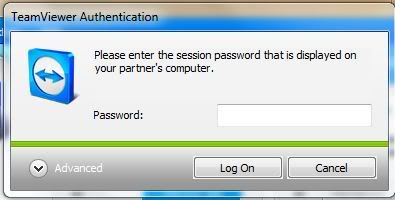
· Enter the password of your partner(Note:Its not your password its password of your partner).
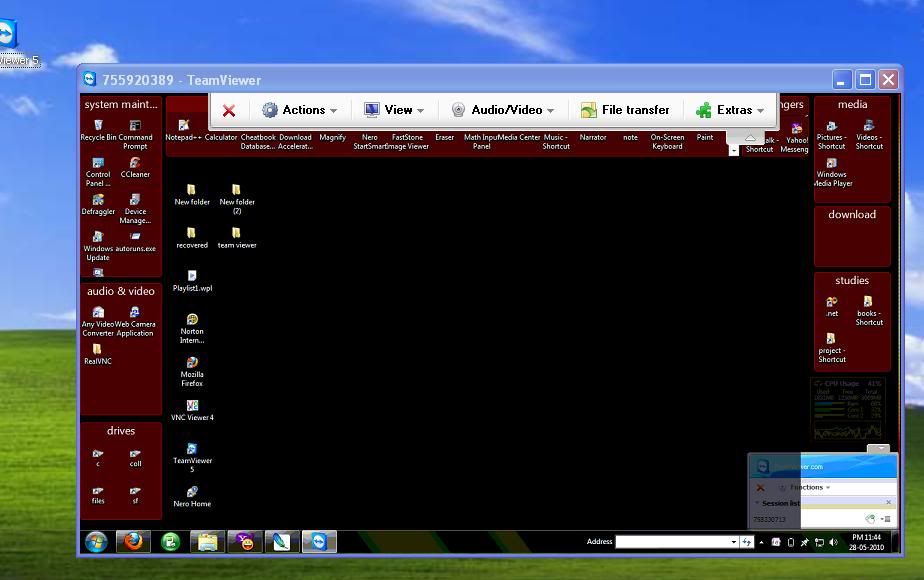
REMOTE SUPPORT MODE:
In this mode you can control your partner's computer as show in the below.
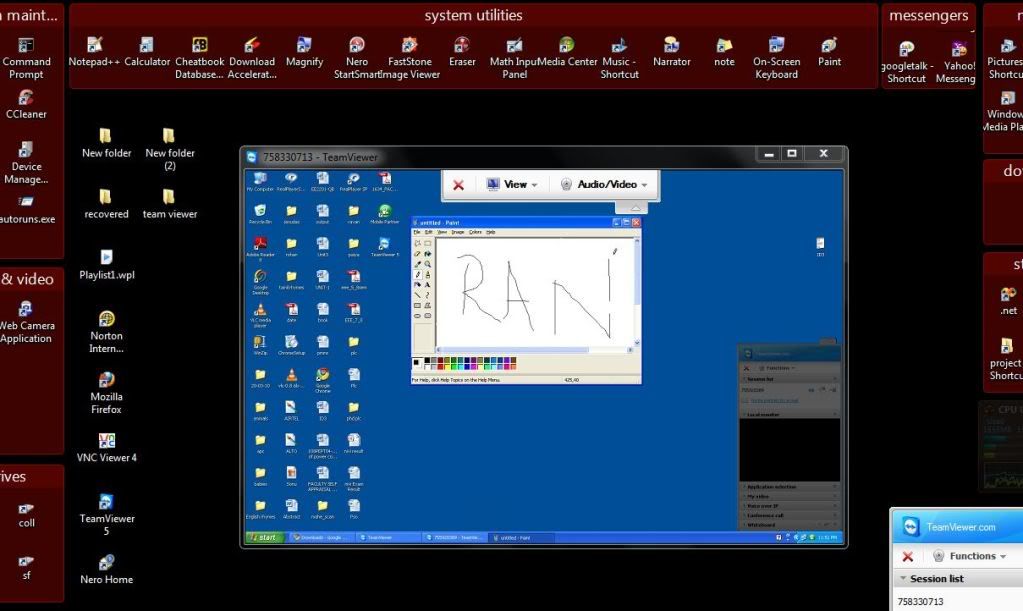
PRESENTATION MODE:
In this mode we can show demo's ,presentation's etc. from your computer itself.
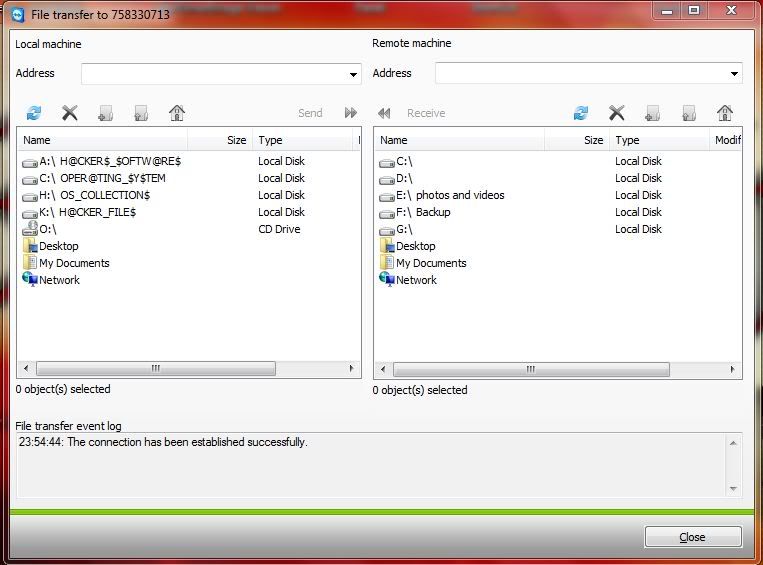
FILE TRANSFER MODE:
Which used for transfer files and download from each others.You have to specify the target and destination as shown.


No comments:
Post a Comment