S-tools:
DESCRIPTION:
S-Tools is a steganography tool that we can hides text files inside a picture or a sound file (BMP, GIF, and WAV).No one can trace it without correct authentication.
ADVANTAGES:
Data transaction becomes very secure.
Step’s to use it:
To download: http://www.cs.vu.nl/~ast/books/mos2/zebras.html
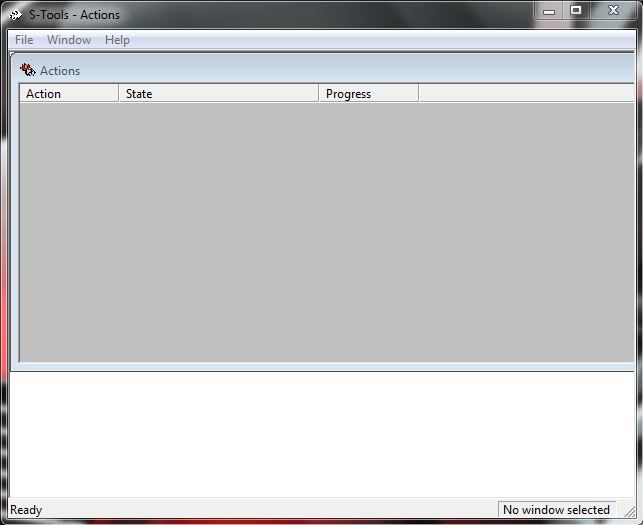
- After installation run the s-tools.exe it will appears like the given below.
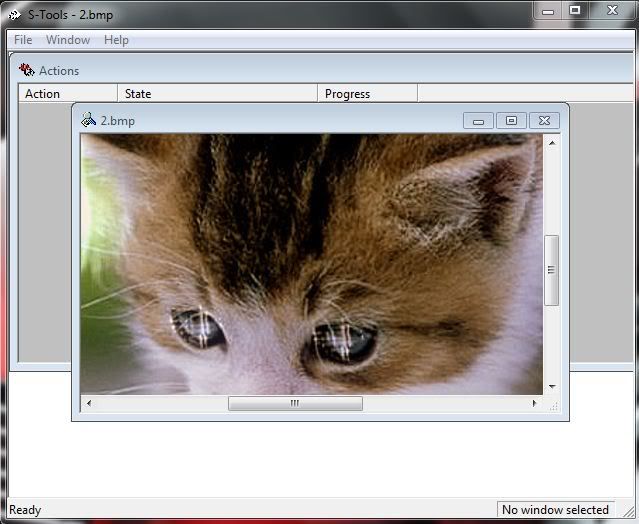
- Then drag the image file (must be .bmp or .gif) which is used to hide your original text file. Then it will be like this.
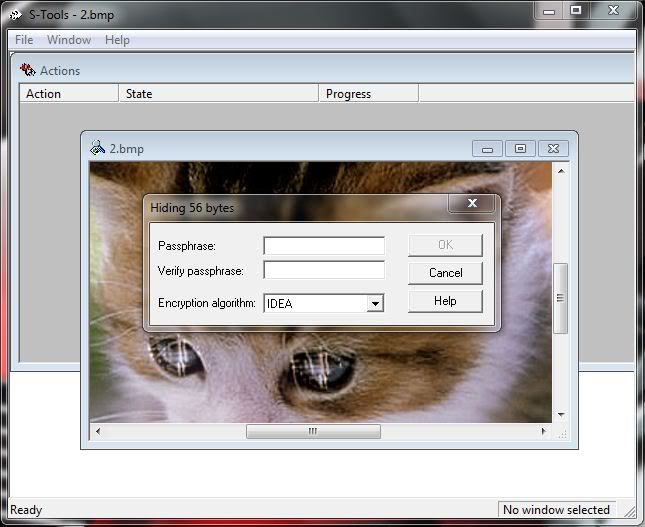
- Then drag the text file (must be .txt) which we have to hide inside the image to that same window. Then it ask for PASSCODE to start encryption as shown in the below.
- After entering the PASSCODE it encrypted the image with text and finally shows the stenography image.
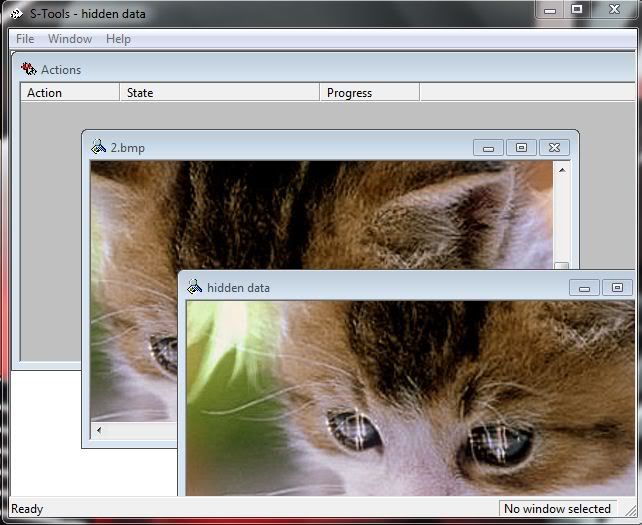
- Then right click on the newly created image select SAVE AS and save that file with .bmp or .gif extension
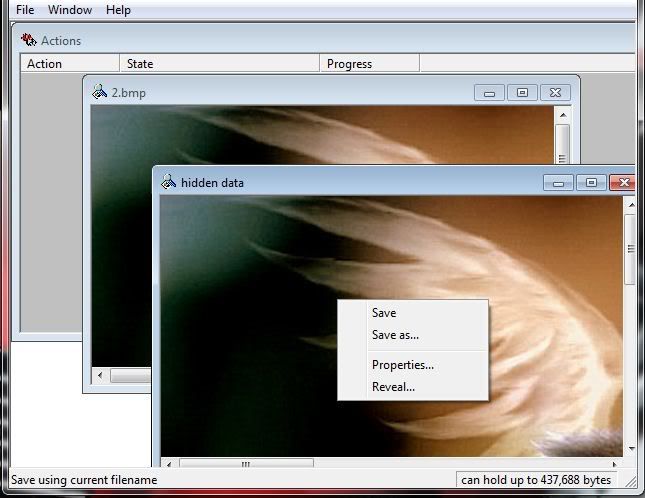
- Now a perfect steganography image is extracted. You can transfer your data safely.
- To decrypt or regain your original text.
- Drag the encrypted file insid the window.
- Make right click->reveal.
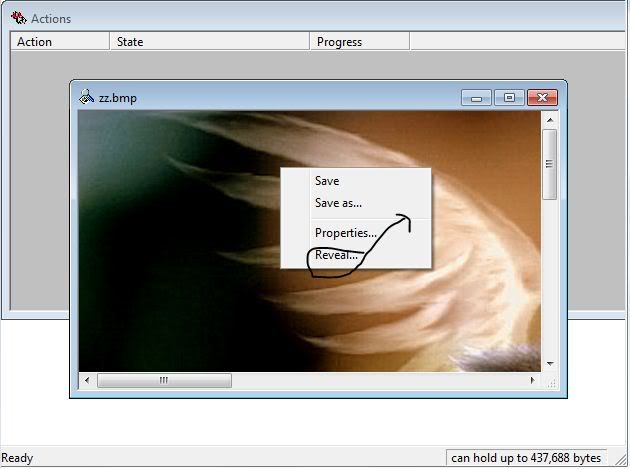
- Enter the PASSCODE.
- Then after decryption it shows the hidden text files inside the image.
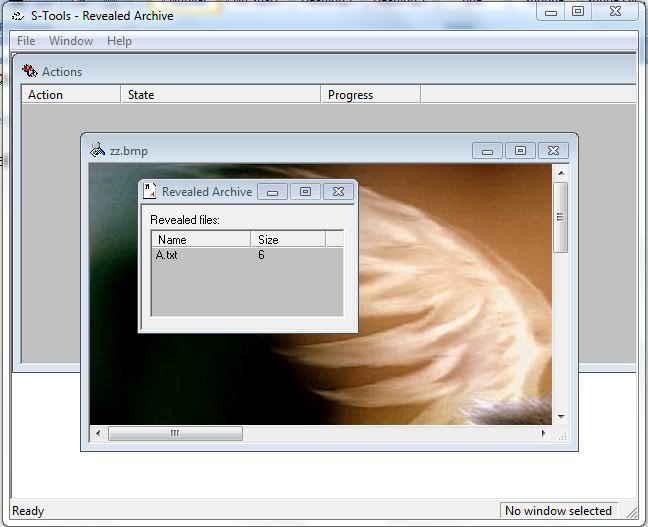
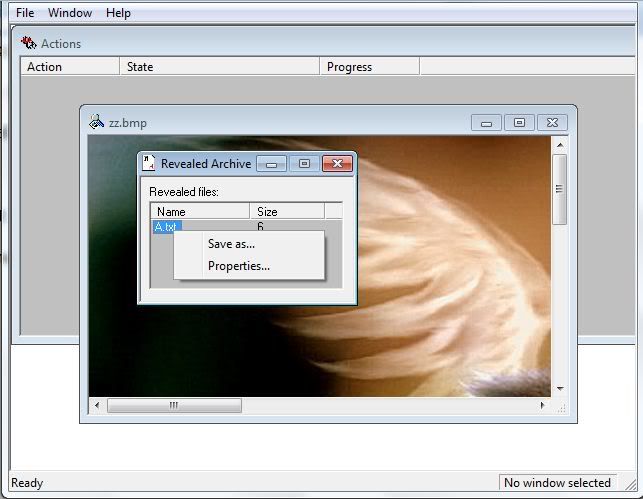
- Make a right click on the file txt file and save it to read original text.

No comments:
Post a Comment